DONNApowered by xcore
Get started

She prepares. You approve.

For you and for your company, DONNA works across your email, calendar and files, and can ping you on WhatsApp when a reminder is due. She reads, searches, drafts and plans, then submits anything that needs to go out for your approval.

Access is limited to the tools you connect, and you can revoke it anytime.

Demo: DONNA handles a request. Reply to Sarah to move the contract review to Thursday. Reading Sarah Layton's email. Checking your Thursday calendar. Drafting the reply. Email draft. Sarah, Thursday the 9th at 10 am works for the review. I'll send the invite right after. Waiting for your approval.

Everything she does for you

One conversation for your messages, your time and your files. Pick an area.
A man checking email on a large phone

Your inbox, without losing the morning

You tell her

“What did Harvey send me this week?”

  • She searches and reads your Gmail
  • She sums up what matters and who is waiting on you
  • She drafts the email; it only goes out once you approve

How it works

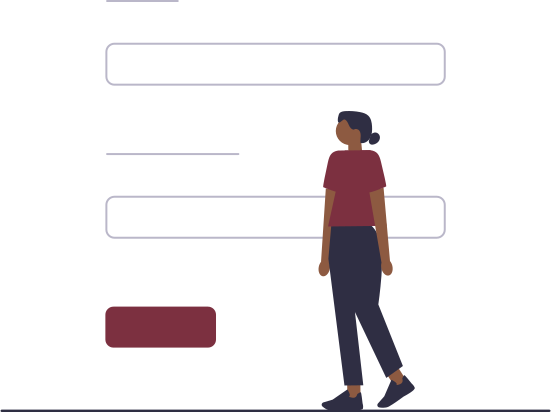
  1. A woman filling in a sign-in form
    1

    Connect your tools

    Sign in with Google, Microsoft, GitHub or Discord. Gmail and Google Calendar connect in one click.

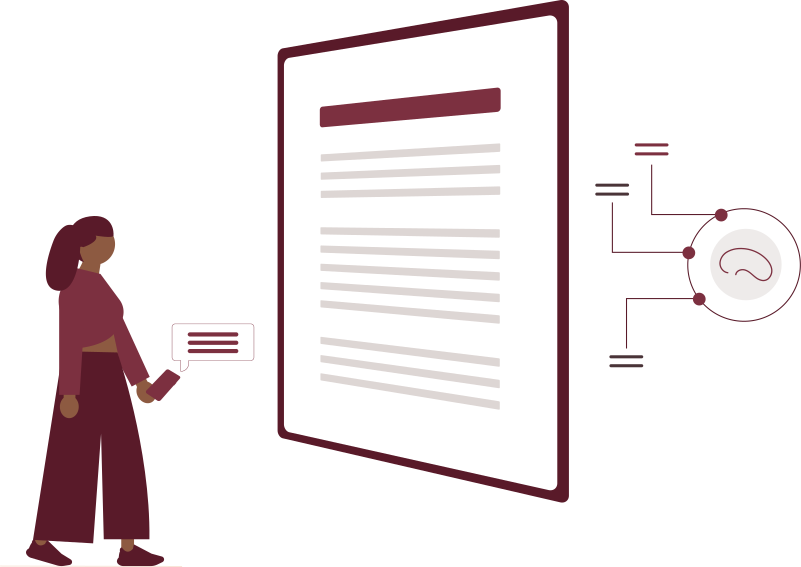
  2. A woman making a request in front of a document
    2

    Ask like you would an assistant

    Type, dictate or attach a file. You see each step while she searches and prepares.

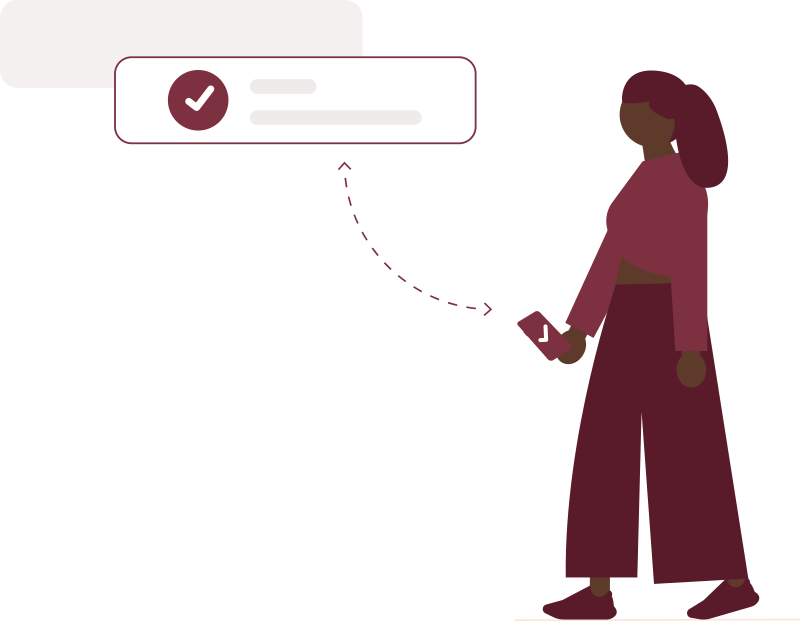
  3. A woman approving a notification on her phone
    3

    Approve what goes out

    Emails and meetings are submitted to you. One click to send, one click to cancel.

For you, and for your whole company

Start on your own, then open DONNA to your team when you're ready.
A woman working on her laptop next to a checked-off planner

Individuals and freelancers

Your personal assistant

  • Your email, calendar and reminders in one place
  • Your documents and what she remembers about you, kept to your account
  • No setup needed to begin
A team of three colleagues talking

Companies

The assistant for your whole team

  • A company workspace where everyone keeps their own conversations
  • Invite colleagues by email
  • Roles and access assigned by an administrator
  • A log of sensitive actions

Coming soon

  • Shared projects, with per-project invitations
  • Access to DONNA managed by the workspace lead or owner

Under your control, from first click to last

An executive assistant handles sensitive information. DONNA is built so that no important action depends on her initiative alone.
A woman in front of a shield and servers
  • Human approval

    Anything that leaves your account waits for your explicit approval.

  • Isolated files

    Conversations and documents stay within your account and your company.

  • Cited sources

    She names the documents she uses and says when she doesn't know.

  • Two-factor authentication

    Authenticator app and backup codes to protect your account.

  • Sessions in your hands

    See your signed-in devices and sign them out remotely.

  • Revocable access

    Remove access to Gmail, Google Calendar or any connected account in one click.

Frequently asked questions

What can DONNA access?

Only the tools you connect, like Gmail and Google Calendar, and the files you give her. She can also ping you on WhatsApp when a reminder is due, if you turn that on in your settings. You can revoke access at any time.

Can she send an email or message without asking me?

No. Emails and invitations stay as drafts until you approve them in the interface. The only message she sends on her own is a WhatsApp reminder you scheduled yourself.

What happens when she gets it wrong?

Her answers cite the documents she used, so you can check in one click. And when information is missing, she asks you.

Which files can I share with her?

PDF, Word, Excel, PowerPoint, text, images and audio recordings. She can also produce Word, Excel and PDF documents.

How do I get started?

Sign in with Google, then ask your first question. No setup is needed to begin.

Hand her your next day.

Sign in, ask a first question, and see what she prepares for you.

A woman relaxing in an armchair